ValuCare

Valucare SuperApp

Less Waiting. More Living with your health partner, right in your pocket.

Quick LOAs, easy reimbursement filing, provider search, and tracking—all in one app.

SCAN QR FOR IOS

Download and Register

Download the app from the Play Store or App Store (or scan the QR code). Register using your Policy Number + Birthdate, fill in your basic info, agree to the Terms of Use and Privacy Policy, and complete your registration.

SCAN QR FOR ANDROID

step 2

Register

1. Tap “Register” and agree to the Privacy Consent
Agreement by checking the checkbox, the tap
the Register button.

2. Enter your 16-digit Policy Number and Date of
Birth (mm/dd/yyyy), then tap Next.

3. Fill in the required fields, including your Username,
Email Address, Mobile Number, and Address.

4. Thicken the checkbox for the ValuCare Privacy
Policy, then tap on the Register button.

5. A summary of the details you entered will appear.
If everything is correct, tap Submit button to
complete the registration.

step 3

Login and Change Password

1. Enter your username associated with your
account and tap “Next” to proceed.

2. Check your registered email for the temporary
password (for new registrations only) and enter
it in the password field. Tap “Log In.”

3. Change your password and tap “Submit” to
complete the process.

Explore Your Dashboard

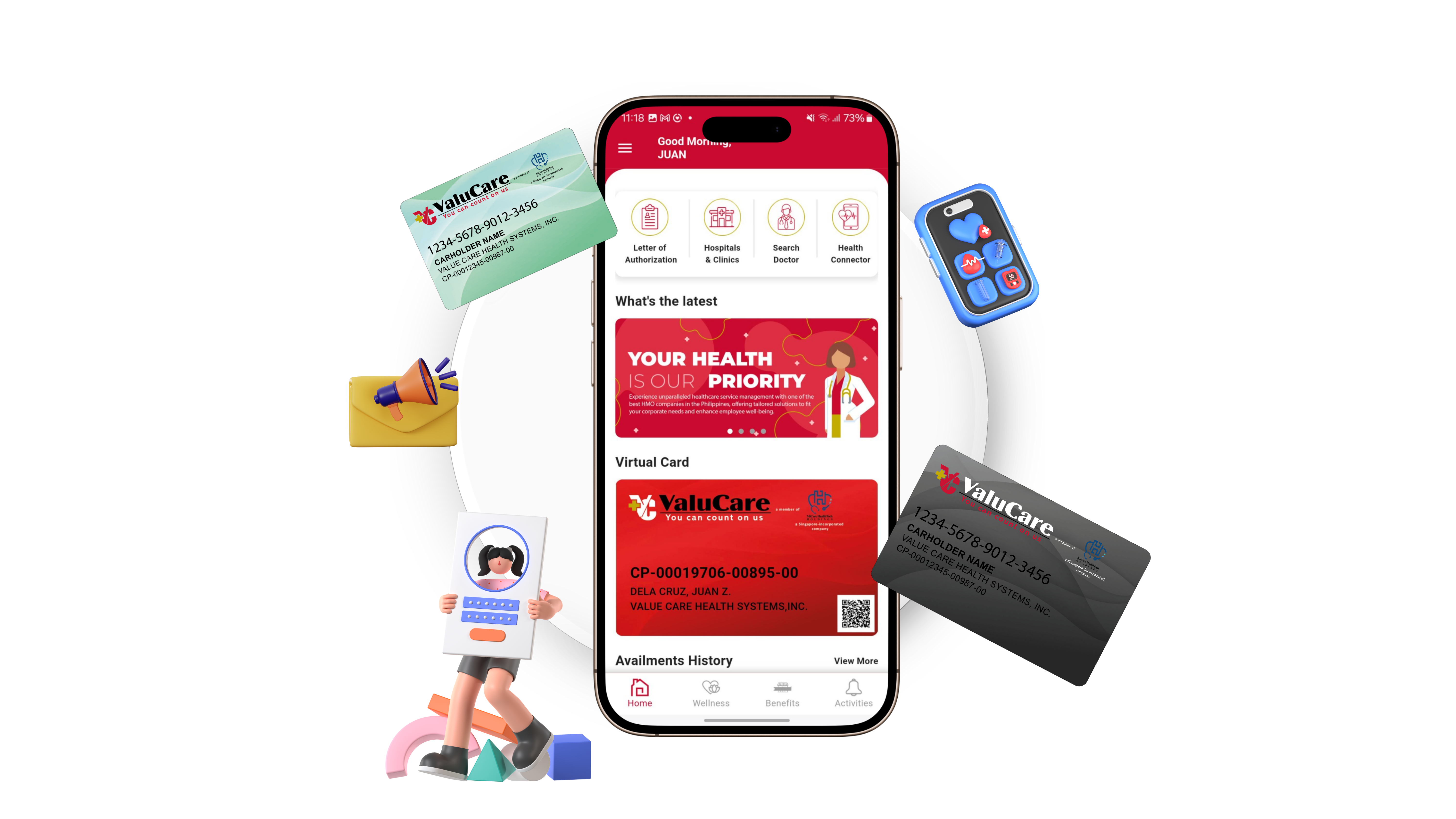
Request a Letter of Authorization (LOA), find nearby hospitals and clinics, or search for doctorsby specialization. Access your virtual card to claim benefits, track your history of availments,and conveniently request reimbursements. Explore health tools and resources—all in one app.

step 5

Request LOA

CONSULTATION

1. Scan QR Code: Automatically fills in hospital/clinic details.

2. Search Option: Type the hospital name or partial name if no QR code is available.

3. Doctor Selection: View accredited doctors for the chosen hospital. Doctor Info:

4. Check specialization and schedule.

5. Tap Submit after completing the form. Fast. Easy. Convenient.

LABORATORY/DIAGNOSTICS

1. Scan QR Code: Auto-fill hospital/clinic details.

2. Search Option: Type hospital name if QR code is unavailable.

3. Doctor Selection: Choose from accredited doctors.

4. Doctor Info: Verify prescribing doctor details.

5. Attach Prescription: Upload the doctor’s prescription or RX.

6. Submit: Complete the form with a single click.

Having Trouble Using Our App? Watch This Quick Video Guide

Watch our step-by-step video tutorial and learn how to use VC Health App to book doctor appointments, access virtual medical cards, request medical authorizations, and more! This beginner-friendly guide will help you navigate the app with ease. Stay in control of your health—watch now!

Play Video